Drop a PDF, get an editable Word document in seconds. No sign-up, no watermarks, no upload — every conversion runs locally in your browser, so your files stay yours.


Turn a PDF into an editable Word (.docx) file — right in your browser.
🔒 Private by design: files are converted in your browser and never uploaded.
The converter runs as code in your browser tab — like a desktop app that happens to live on a web page.
Drop the file into the box or tap “Choose file”. Nothing is uploaded — the converter runs locally in your browser.
Text, sizes, bold and italics, centered headings and page breaks are detected and rebuilt as a real DOCX document.
Save the .docx and open it in Microsoft Word, Google Docs, or Pages — every line is editable.
Each tool works right here in your browser — pick what you need.
Turn a PDF into an editable Word (.docx) file — right in your browser.
Turn a .docx document into a clean, shareable PDF — in your browser.
Combine multiple PDFs into one document — in your browser.
Extract pages or split a PDF into separate files — in your browser.
Turn PDF pages into high-quality JPG images — in your browser.
Combine photos and images into a single PDF — in your browser.
Extract all text from a PDF into a plain .txt file — in your browser.
The converter reads the actual text layer of your PDF and rebuilds it as a native Word document: paragraph by paragraph, with font sizes, bold and italic styling, centered headings, and page breaks preserved. Soft line-wraps inside a paragraph are joined back together, so text reflows naturally when you edit it — you get real paragraphs, not one text box per line.
Rotated pages are handled as well: scans and bank statements saved sideways come out the right way up instead of scrambled, and line spacing is measured from your document rather than assumed, so double-spaced pages stay whole paragraphs. Two-column layouts — papers, newsletters, brochures — are read down one column and then the other, rather than glued together line by line.
Scanned PDFs are photographs of text, and this tool doesn't do OCR — if there's no text layer, we'll tell you instead of giving you an empty file. Heavily designed layouts with overlapping text boxes come out simplified, and a page-wide table with two tall columns can be read column-first like a magazine spread. For most contracts, reports, resumes, letters and school documents, the result opens cleanly in Word and is immediately editable.
Most online PDF converters upload your document to their servers. This one doesn't: the conversion engine runs as JavaScript inside your browser tab. Close the tab and nothing persists anywhere. That makes it safe for contracts, invoices, medical letters, and anything else you'd rather not share with a stranger's server.
The free app adds offline Word to PDF, conversion history, and saving straight to your files.
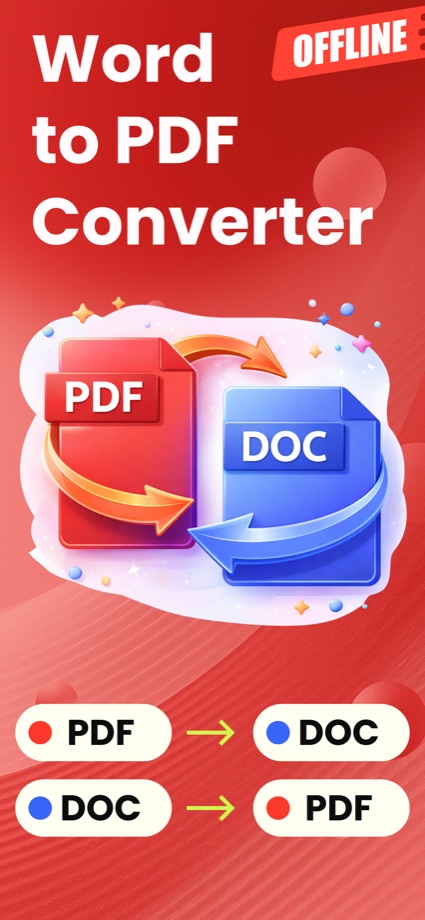
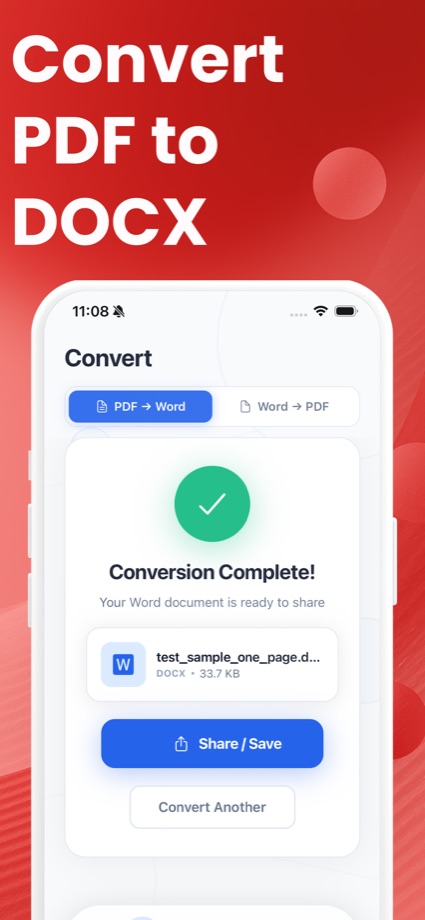
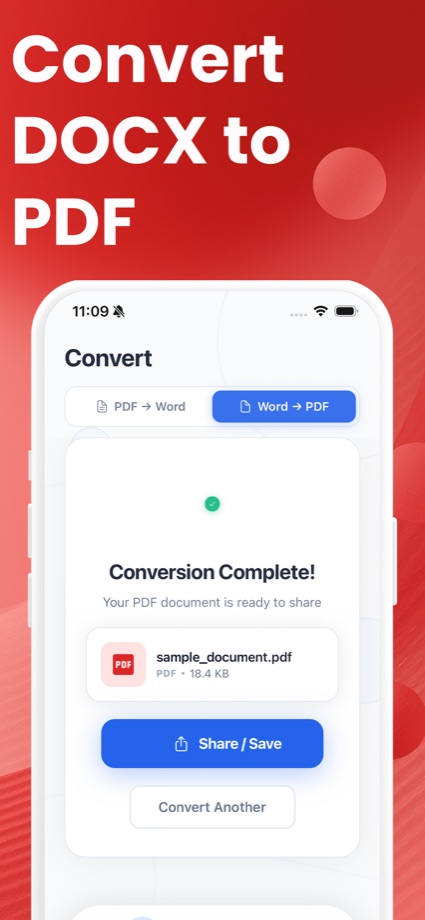
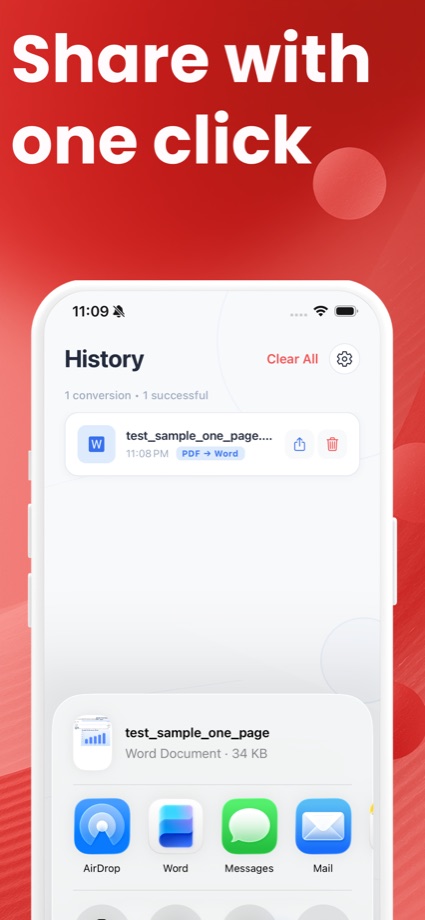
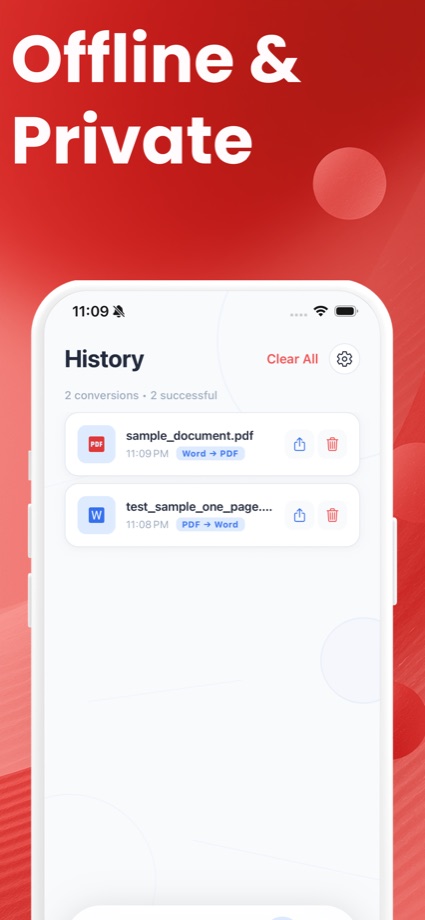
Convert PDF to Word and Word to PDF on your phone. Word to PDF runs fully offline on device, every conversion is saved to History, and results save straight to your files.
Short, practical answers to the document questions everyone Googles.
Convert PDF to Word on iPhone free — in Safari with no upload, with a free app, or via Word. Step-by-step, no sign-up, files stay on your phone.
Read the guide → GuideWhy PDF to Word conversions break layouts — and 5 ways to keep your formatting intact, free. Includes a no-upload browser converter that preserves layout.
Read the guide → GuideMost online PDF converters upload your file to their servers. Here's what actually happens to it, the real risks, and how to convert with no upload at all.
Read the guide → GuideConvert PDF to Word with zero upload — the file is processed inside your browser and never touches a server. Free, no sign-up, no size limit. See how.
Read the guide → GuideWe tested the top free PDF to Word converters for limits, watermarks, sign-ups and privacy. See which are actually free — and which never upload your file.
Read the guide → GuideNo Acrobat? Convert PDF to Word free: in your browser with no upload, in Word itself, or on your phone. No Adobe account, no daily limit, no sign-up.
Read the guide →Get the free app — offline Word to PDF, conversion history and file-app integration included.
 PDF to Word Converter