PDF to Word Converter App for iPhone

Convert PDF to editable Word — and Word to PDF, fully offline — right on your iPhone or iPad. Free, no sign-up, with conversion history and Files integration.


  • Free on the App Store
  • Word to PDF works offline
  • iPhone & iPad, iOS 15.1+
Free on iPhone, iPad and Android — with offline Word to PDF and conversion history.
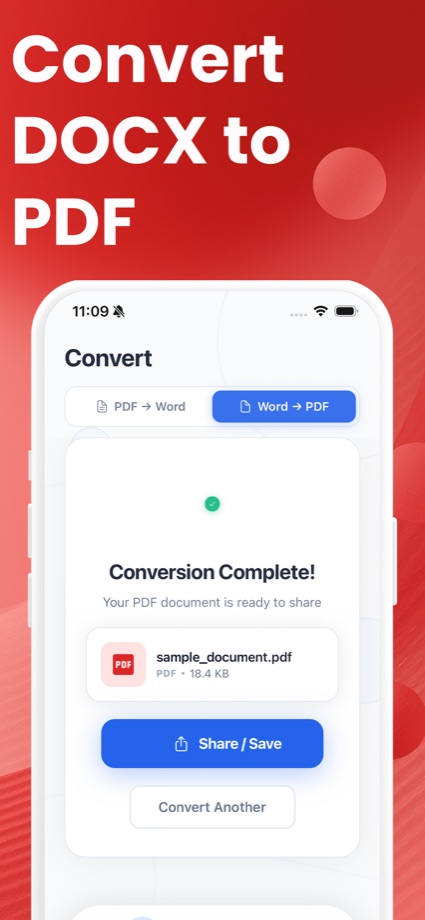
PDF to Word Converter iOS app — conversion complete screen

Why the app beats a browser tab on iPhone

The web tools on this site work in Safari too — the app is built for the times you convert often.

Share-sheet conversion

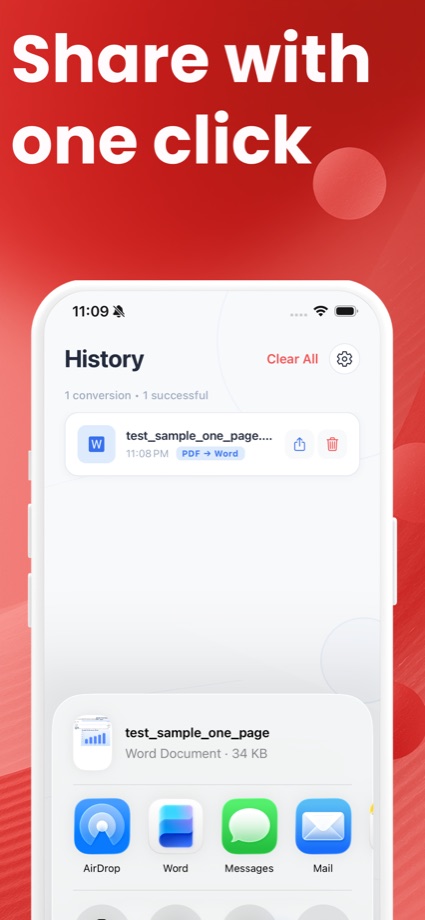
Send a PDF to the app straight from Mail, WhatsApp or Files — convert without copy-pasting anything.

✈︎

Offline Word to PDF

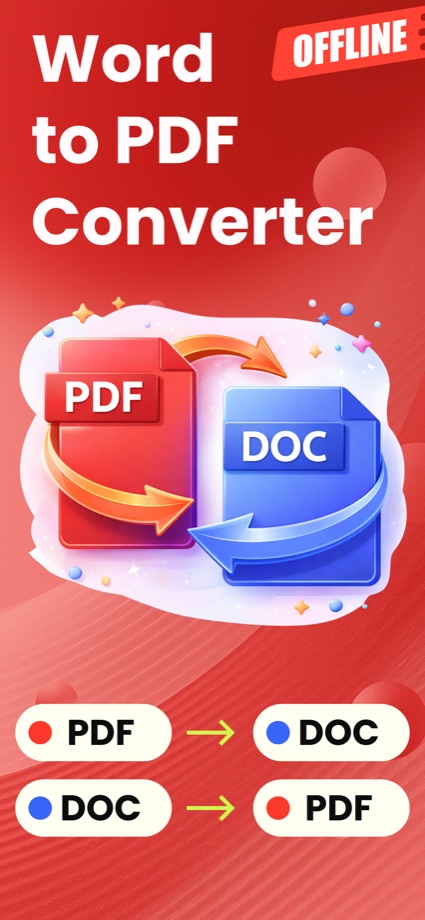
DOCX to PDF happens fully on your device. Airplane mode, basement, roaming — it just works.

🗂

History & Files

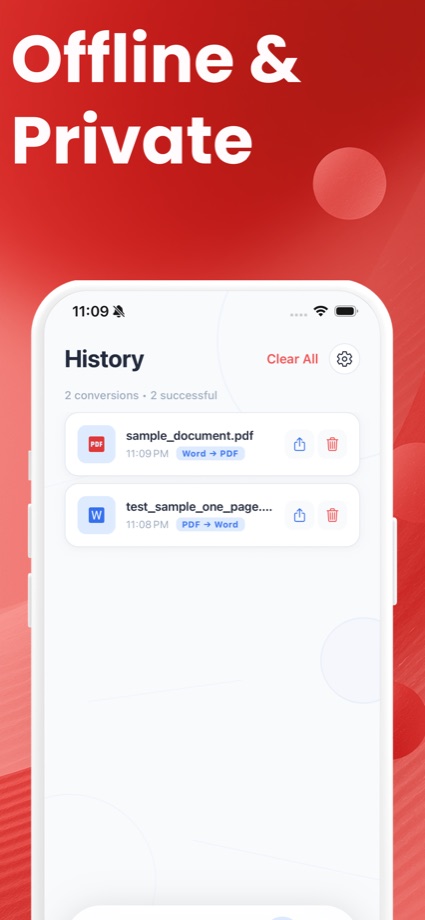
Every conversion is saved to History for quick re-download, and results go straight into the Files app.

How to convert a PDF to Word on iPhone

1

Get the app

Install PDF to Word Converter & Docx from the App Store — it’s free.

2

Pick your PDF

Open the app, tap Choose File, and select any PDF from Files, iCloud Drive, or another app via the share sheet.

3

Convert and save

Tap Convert, then save the editable .docx to Files or share it anywhere. Every conversion is kept in History.

Prefer not to install anything? Convert right here in Safari — no install needed, and the file never leaves your phone. More detail in the step-by-step iPhone guide.
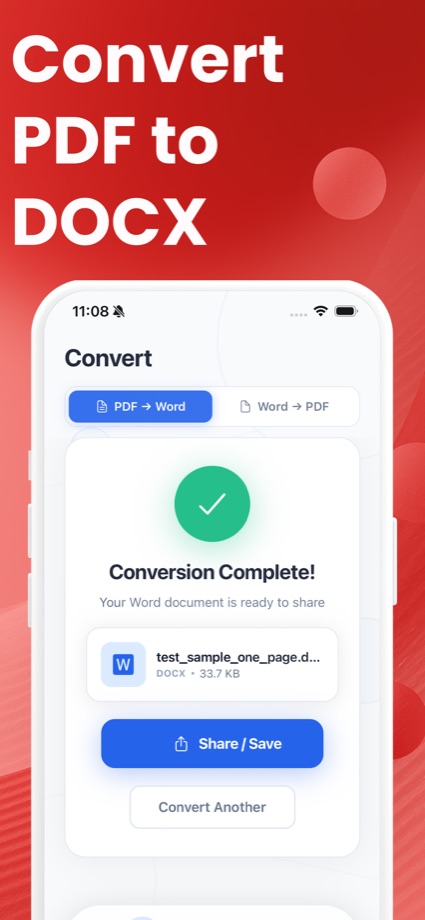
iOS app — Word to PDF converter with offline conversioniOS app — choosing a PDF file to convert to WordiOS app — DOCX to PDF conversion complete screen with share and save optionsiOS app — conversion history listiOS app — PDF to Word conversion in progress

iPhone app — FAQ

Is the PDF to Word Converter app free?
Yes. Download, conversions, saving and sharing are free — no subscription required to convert documents.
Does the app upload my files?
Word to PDF conversion runs entirely on your device, offline. PDF to Word uses a secure conversion service, and temporary files are removed after processing. For a fully no-upload option, the web converter on this page runs 100% in Safari.
Does it work on iPad?
Yes — the app is universal and supports iPhone and iPad on iOS 15.1 or later.
Can I convert from the Files app?
Yes. Pick any PDF or Word document from Files or iCloud Drive, convert it, and save the result straight back to Files — or share it to Mail, WhatsApp and other apps.

Get PDF to Word Converter & Docx

Free on the App Store for iPhone and iPad.
Download on the App Store